Backlight Bleed vs IPS Glow: How to Tell Which One You Have
You dim the lights, pull up a black screen, and see bright patches near the corners — and now you're wondering whether you got a defective unit or you're just seeing something every monitor of this type does. Backlight bleed and IPS glow look similar at a glance but come from completely different places, and only one of them is a returnable defect. There's a single reliable test that tells them apart in under a minute: move your head.
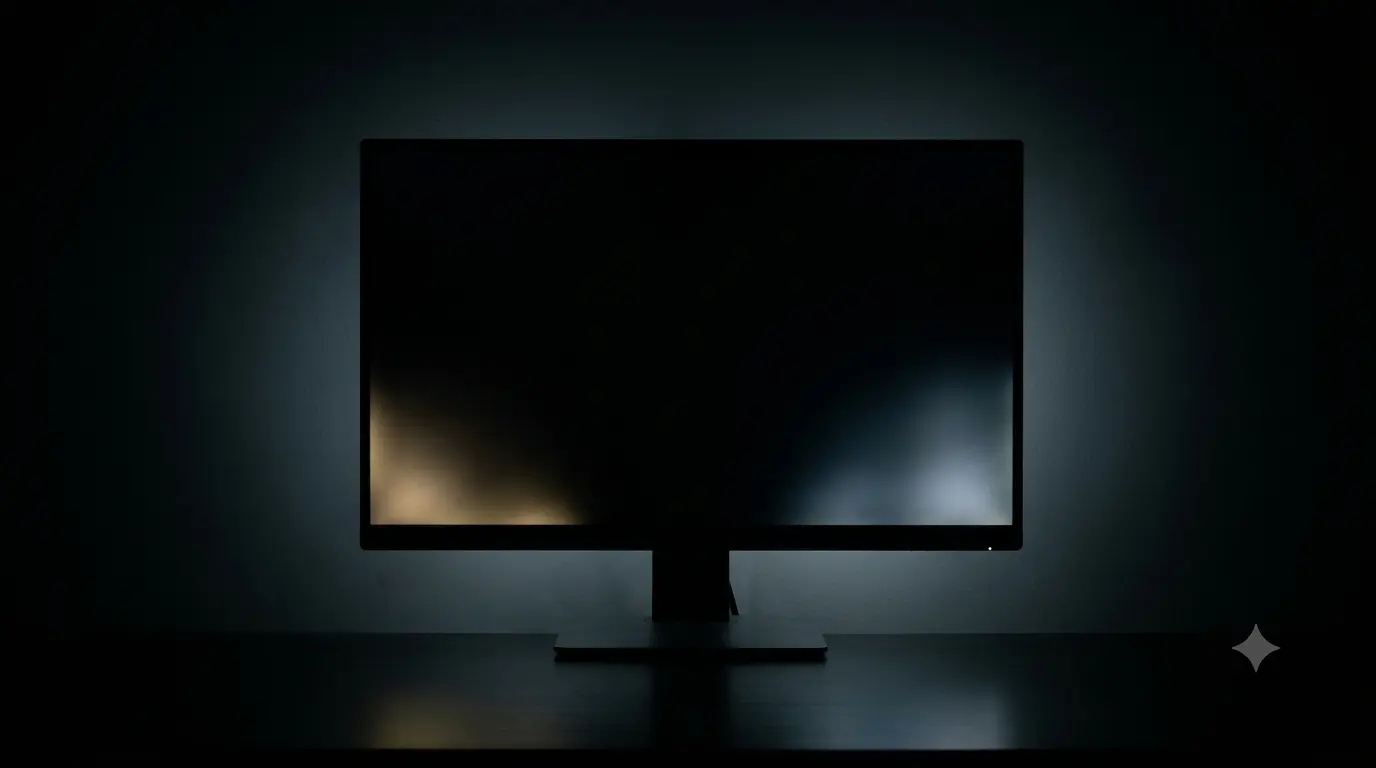
What backlight bleed actually is
Most LCD monitors don't generate their own light per pixel — a backlight (usually LEDs around the edge, or an array behind the panel) shines through the LCD layer, which acts as a shutter to block or pass light.Backlight bleed happens when that light leaks past the edges of the panel or through gaps in the frame, usually because of uneven pressure from the bezel, imperfect panel-to-frame alignment, or a slightly warped diffuser layer.
It shows up as fixed, hard-edged bright patches — often streaks or blotches — concentrated near the edges and corners of the screen. Crucially, bleed is a physical light leak: it stays in the same place and the same intensity no matter where you're sitting or how you're looking at the screen.
What IPS glow actually is
IPS glow (and similar effects on other wide-viewing-angle panel types) isn't a leak at all — it's a byproduct of how the liquid crystal layer bends light at off-perpendicular viewing angles. On a black screen in a dark room, the corners furthest from your eye's direct line of sight take on a silvery, purplish or bluish sheen. It's most visible on IPS panels (hence the name) but shows up in some form on most modern panel technologies to varying degrees.
The defining trait: glow shifts, brightens, dims and changes shape as your viewing angle changes — because it's a function of the angle between your eyes, the screen, and the backlight, not a physical defect in the panel.
The move-your-head test
This is the test that actually separates the two, and it takes less time than reading this sentence took.
- If the bright patches stay fixed in place and don't change in shape or intensity as you move — that's backlight bleed.
- If the patches shift position, spread, shrink, or change color (often a silvery or bluish tint) as your viewing angle changes — that's IPS glow, and it's inherent to the panel technology, not a fault.
- If you see both — some fixed bright spots and a shifting sheen — you likely have both, which is common and not unusual.

Is backlight bleed normal? How much is too much
A small amount of bleed in one or two corners, visible only on a full-black screen in a fully dark room, is extremely common on edge-lit LED monitors and is generally considered within normal manufacturing tolerance — most manufacturers don't treat minor corner bleed as a defect on its own. What crosses the line:
- Bleed visible during normal content — dark movie scenes or letterboxed video, not just a full-black test pattern in a dark room.
- Long streaks reaching well into the screen rather than staying confined to the extreme edge or corner.
- Asymmetric or unusually severe bleed on one side compared to the others, suggesting a bezel or assembly problem rather than an inherent characteristic of the panel type.
- Bleed that visibly worsens over weeks of use, which can indicate a loosening frame or degrading component.
IPS glow, by contrast, is simply how the panel technology works — there's no "too much" threshold for glow itself, though a very cheap or poorly calibrated panel can make it more noticeable.
Clouding and mura: the third possibility
If what you're seeing isn't sharp-edged like bleed and doesn't shift with viewing angle like glow, you may be looking at clouding or mura — soft, diffuse, blotchy patches of uneven brightness or color, often more visible on a mid-grey fill than on full black. This is especially common on VA panels, where the deep native contrast makes any brightness unevenness more obvious in the mid-tones. Unlike glow, clouding stays roughly in place as you move your head; unlike bleed, it's soft-edged rather than a sharp bright patch, and it's driven by uneven backlight diffusion rather than light escaping at the frame.
Test for it on a grey fill, not just black — bleed and glow are most visible on black, but clouding often hides on black and only shows up as flat grey blotches once you switch to grey.
When it's return-worthy
Use the same window logic as any other panel defect: test immediately, and lean on the retailer's return policy rather than the manufacturer's warranty threshold, which is usually stricter and slower. It's reasonable to return the unit if:
- Bleed is visible during normal dark content, not just a full-black test in a blacked-out room.
- Bright patches are large, asymmetric, or concentrated somewhere unusual (like the middle of an edge rather than a corner).
- Clouding or mura is visible on ordinary grey backgrounds — like a loading screen or a web page — in normal room lighting.
If what you're seeing moves and shifts with your head, save yourself the return shipping — that's IPS glow, it's present on virtually every IPS monitor to some degree, and a replacement unit will very likely show the same trait. If you want a second data point before deciding, run theblack level test too — it'll show whether the affected areas are also crushing shadow detail, which strengthens the case either way.